Sales Orders
-This is the second step of the process. After the warehouse admin’s approval, a sales order will be created to be presented to the customer with a number of products and total pricing for approval and order confirmation.
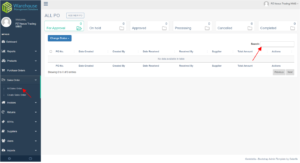
On the sales order Tab, click “All Sales Order” to direct you to the page
On the top portion of this page, you will see the Sales Orders status folder with the number of existing transactions for a quick view.
On the right side of the page type keyword or sales order number of the transaction you are trying to search.